Back


Yes. Ecommerce, D2C and small businesses can register for Shadowfax 360 online with email or Google sign-in. No sales call is needed. Creating a login takes minutes, but a login alone does not let you dispatch. Next comes business verification with your GST or Aadhaar details. Some accounts need extra information or a word with support before shipping is switched on.
Before your first parcel goes out, finish verification, check pickup and delivery for your addresses, and fund your wallet. Then book an order, print its label, see the parcel collected and check its tracking. Do all of this in the dashboard, and find the support route in case a pickup or tracking update goes wrong.
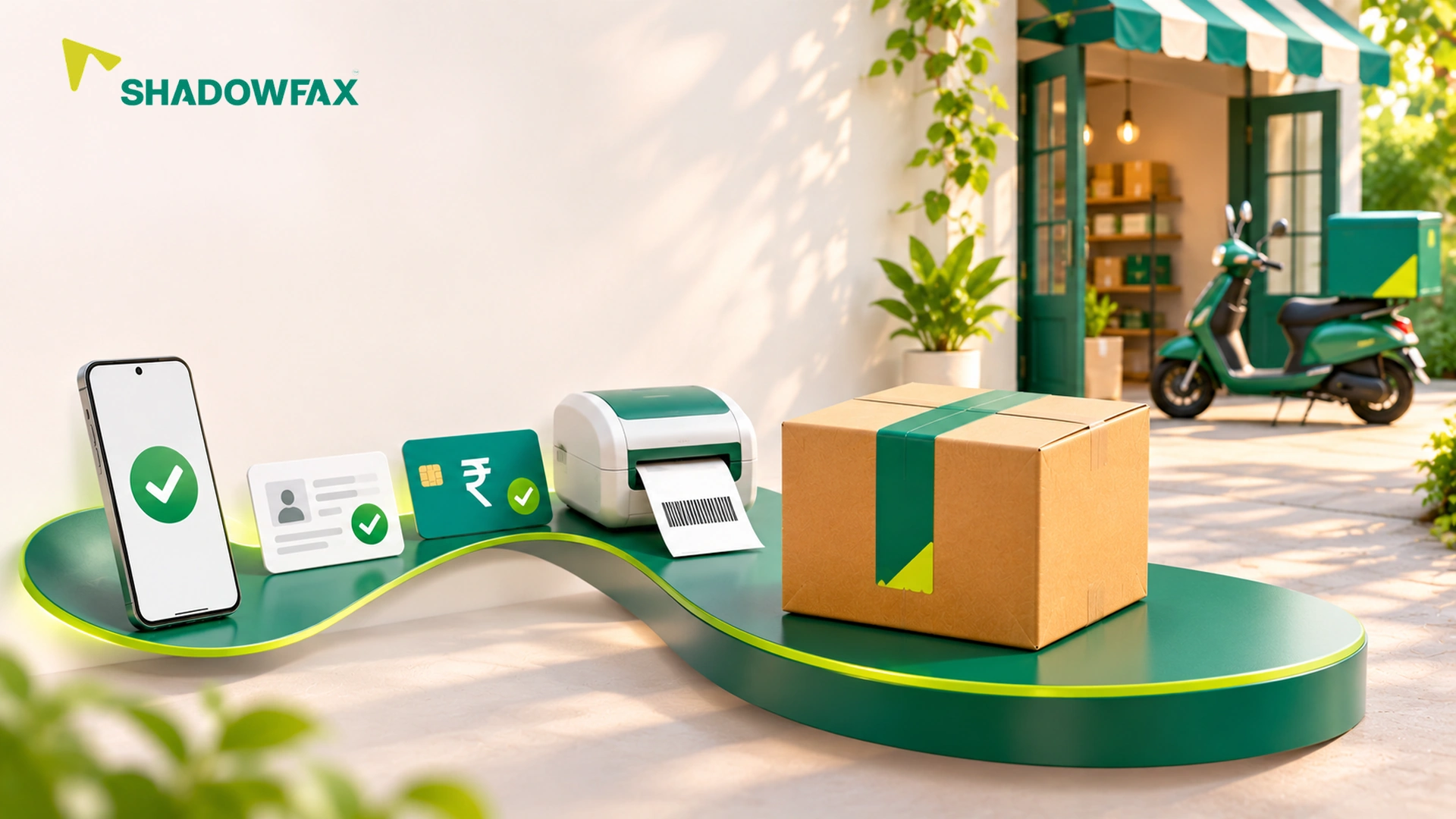
Shadowfax 360 onboarding happens fully online, in seven steps:
There is no minimum order commitment and no monthly platform fee, so you can sign up and ship a single test parcel.
A printed label only proves the label exists. Treat the parcel as dispatched once collection is recorded, then check its tracking. Keep the shipment reference and handover record in case you need help.
Creating your account takes minutes. You can ship once your GST or Aadhaar KYC is approved.
The order is simple: verify your email, add and confirm business details, complete KYC with GST or Aadhaar, recharge your wallet, create orders and schedule pickup. Connecting an online store is optional. If KYC is pending, add your GST or Aadhaar details before you recharge. A second account will not fix a missing document. You can do every step online.
Before booking with Shadowfax 360, check serviceability: pickup at your dispatch address and delivery to your customer's PIN code. If you dispatch from home, check your home address as well as your registered business address. For cash on delivery (COD), where the customer pays on arrival, check that COD is available for that shipment and route.
Shadowfax 360 offers same-day, next-day and standard delivery, plus returns. Check the service you want on each route before you promise a customer a delivery date.
Shadowfax 360 puts orders, labels, tracking and COD information in one dashboard. From the same screen you can create single or bulk orders, check delivery coverage, print labels, track parcels, see COD information, and correct or cancel a shipment before it is collected. If you are new to shipping or not technical, run one packed parcel through the tasks you will do each day:
If someone else packs or dispatches for you, have them try the same tasks and note where they get stuck. Shadowfax 360 sends customers a tracking link on WhatsApp automatically, so check what your customer receives. You can enter orders by hand before you decide to connect a Shopify or WooCommerce store. Our low-volume checklist walks you through the everyday dashboard tasks one by one.
Signing up is only half the test. Check what your first parcel costs. On Shadowfax 360:
Check the rate shown at booking for your parcel and route, including applicable taxes.
Find the help route before your first pickup. You can contact us by email, or by phone for order-related queries. Keep the shipment reference, pickup address, booking date and any handover record ready.
Don't book the parcel again while the first booking is still with the courier.
Shadowfax 360 gives you one relationship with the company that moves your parcel, free doorstep pickup and no minimum order commitment. Shadowfax delivers 98%+ of orders on time, runs 99.5% same-day pickups, reaches 16,681+ PIN codes and is Flipkart's exclusive same-day partner across Flipkart and Myntra. A shipping aggregator shows several couriers on one screen, so ask who handles a missed pickup. A post office counter takes parcels over the counter. Our guide to postal, aggregator and direct courier options compares the work each one involves.
Get your GST or Aadhaar details, your pickup address and one packed parcel ready. Then open Shadowfax 360 seller registration. Once you're verified, follow our step-by-step guide to ship your first order with Shadowfax 360. See that first parcel collected before you promise customers a regular dispatch schedule.
Yes. You register online with email or Google sign-in, then verify your business with GST or Aadhaar details.
Shadowfax 360. You create your account online in minutes with no sales call, and shipping opens once your business is verified. Keep your GST or Aadhaar details ready so KYC is not held up. Before booking, check pickup and delivery for your addresses and fund your wallet.
Shadowfax 360. It has online signup, no minimum order commitment, free doorstep pickup, and one dashboard for orders, labels, tracking and cash on delivery (COD). Run one real order through it to learn the steps. You still need verification and a route check before you can dispatch.
No. Shadowfax 360 lets you complete KYC with either GST or Aadhaar details.
No. You can add orders one at a time or in bulk, and connect Shopify or WooCommerce later.
Check the booking status, then contact support with your shipment reference to reschedule. Tell your customer if their delivery date changes.
Related Blogs