 Back
Back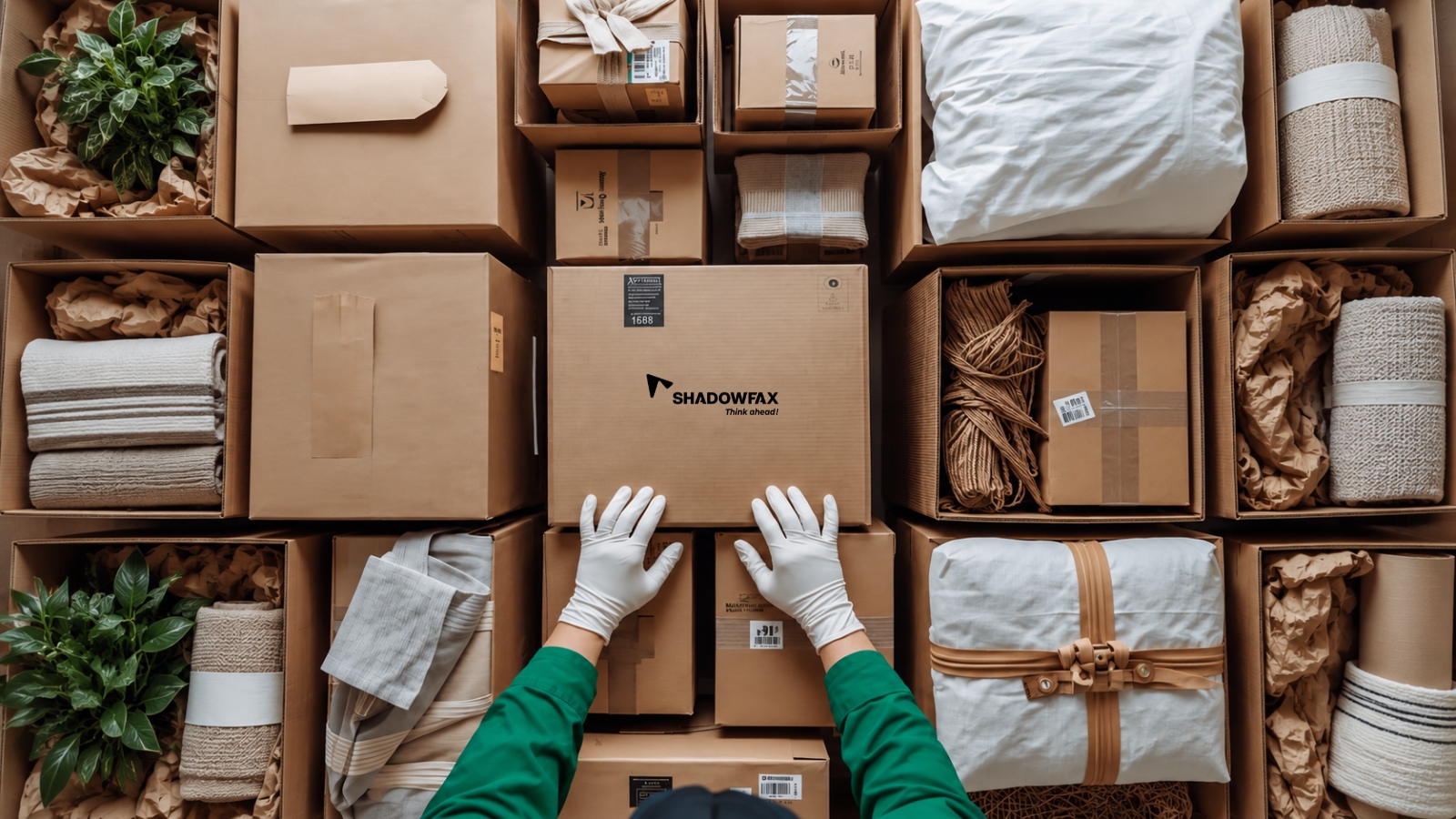


Your first customer has ordered. The next job is to turn their details into a parcel that can be collected, tracked, and delivered.
Shadowfax 360 (SF360) is our online shipping platform for ecommerce businesses, brands selling directly to customers, and small sellers. You can create an account, add orders, and manage shipping through the platform. This guide walks you through the first order, from preparing the details to checking delivery and receiving the payment for cash-on-delivery (COD) orders.
Before booking, collect the customer's full name, phone number, delivery address, and PIN code. Confirm whether they have paid or will pay by COD. Keep the product description and value with the order.
You will also need your pickup address and contact number. If you ship from home, check that collection is available from that address. Test the delivery PIN code for the service and payment method you want to use.
Pack the product securely, following the service's item and packaging rules. Weigh and measure the finished parcel, including its box or mailer and protective material. Use those measurements when checking the charge and creating the shipment.
This preparation avoids correcting an order after a label has been generated or a pickup has been requested.
Open the Shadowfax 360 registration page. You can start with your email address and a one-time password (OTP) or use the Google sign-in option. Complete the basic details, then submit the business information requested for verification.
Use the details in your business records and supply the documents requested for your account. Check for pending fields or rejected documents before trying to ship. Registration gives you an account; business verification determines when you can use the shipping services available to it.
If KYC verification is pending, you can either add your GST details or Aadhaar details and go ahead to wallet recharge after verification. Creating a second account is unlikely to fix a missing document.
Shadowfax 360 lets you add one order at a time or upload orders in bulk. If you sell through Shopify or WooCommerce, you can use a store connection to bring orders into your shipping workflow. You can add a ready-made custom API via the SF360 dashboard, connect your website to the SF360 platform, and start managing shipments.
For an Instagram or WhatsApp order, enter the confirmed customer details using the option available in your account. Do not assume messages are imported automatically. A store connection is optional if your supported order-entry method already meets your needs.
Review these fields before booking:

Imported orders need the same checks as manually entered ones. An integration will not fix an incomplete address supplied at checkout.
Check the quote for your pickup and delivery PIN codes, parcel, and selected service. Review the amount payable, including taxes, and the conditions for COD or RTO if you will use them.
To book shipments through Shadowfax 360, you add funds to your account wallet. Check the rate card based on your pickup and delivery PIN codes and any minimum recharge requirements. Keep a copy of the quote so you can compare it with the final charge.
A wallet recharge is money made available for future bookings. Count the charges deducted for shipments when reviewing your shipping cost; do not add the recharge and those same charges together.
For a COD order, confirm eligibility and the amount to collect from the buyer. Shadowfax 360 offers D+2 remittance, which our COD guide defines as two business days after successful delivery, subject to banking timelines and settlement policies. The clock starts after delivery, not when you book the order.
Also check the treatment of an undelivered parcel sent back to you, called return to origin or RTO. A customer asking to return an item after delivery is a separate situation.
Once the route and charge are confirmed, review the order and create the shipment. If the packing has changed, update the weight and dimensions before you confirm it.
Generate the label required by the booking workflow and attach it to a clear, visible surface. Keep the barcode flat and readable. If the service requires a manifest, prepare that list of parcels for handover. Keep the order or shipment reference. You may see the tracking reference described as an air waybill number, or AWB.
Have the labelled parcel ready before the pickup window. A generated label means a booking record exists. It does not show that the parcel has been collected.
Use the pickup option available for the shipment. Check the address, contact number, and date, and make sure someone can hand over the parcel.
After collection, keep the handover record available through the service and look for the pickup or acceptance update in tracking. If the parcel has been collected but has not been scanned, contact support with the shipment reference and handover details. Do not book a duplicate shipment while the first parcel is already with the delivery partner.
If pickup is missed, check the booking status and contact support to resolve or reschedule it. Let the customer know if the delay changes the delivery estimate you gave them.
The tracking link is automatically generated and sent over WhatsApp to customers. Additionally, you can also share the tracking link or reference with your customer and describe the status accurately. You can send a booking confirmation before collection, provided it is clear that pickup is still pending. Tell the customer the parcel has been handed over once collection is confirmed.
You can follow the shipment in Shadowfax 360. Status wording can vary; these common terms explain what to look for

Read the full tracking event, including its date. An RTO update does not mean the parcel has already reached you, just as an out-for-delivery update does not guarantee delivery that day.
When a shipment is delivered, check the final shipping charge. For COD, also match the settlement to the order. If the order is undelivered, follow its return and check any resulting charges or credits. Shadowfax does not levy any extra RTO charges.

For your next shipment, keep a short record of the cost, pickup experience, and delivery outcome. It will help you identify repeated problems without having to reconstruct them from customer messages.
Ready to book your first order? Create your Shadowfax 360 account and work through the first order with the customer details and packed parcel beside you.
Shadowfax 360 offers online registration using email and a one-time password, or Google sign-in. Business verification follows. You can start online, although support may be needed if information is missing or your account requires a review.
For Shadowfax 360, check the current fee schedule to establish whether a setup fee applies. Its no-minimum-order offer refers to shipment volume. You will still need to recharge your account wallet and pay for shipping. When comparing providers, ask separately about the setup fee, any monthly fee, and the money required for your first shipment.
Shadowfax 360 brings order creation, booking, and tracking into one platform. Try one order first, from entering the customer details to finding its label and tracking. You will need a correctly packed parcel and an available pickup and delivery service in your area. Keep the support details handy for anything you cannot resolve in the account.
Shadowfax 360 supports individual and bulk order entry, so you can create shipments from confirmed social-media orders. Collect the customer's complete address, phone number, and payment choice first. Use the entry method available in your account, and check how any automated connection works before relying on it.
A home-based seller can consider Shadowfax 360 if the residential pickup address is accepted and the business meets the account requirements. Confirm collection from the full address, then keep the packed and labelled parcel ready for handover. Also check delivery coverage for the customer's PIN code.
In Shadowfax 360, try adding one order, creating a label with an AWB number, tracking, and locating help. If you offer COD, find the settlement information as well. Learn the basic shipping process first; you can set up store connections or bulk uploads when you need them.
Related Blogs